Send every meeting to HubSpot, Pipedrive or Raynet
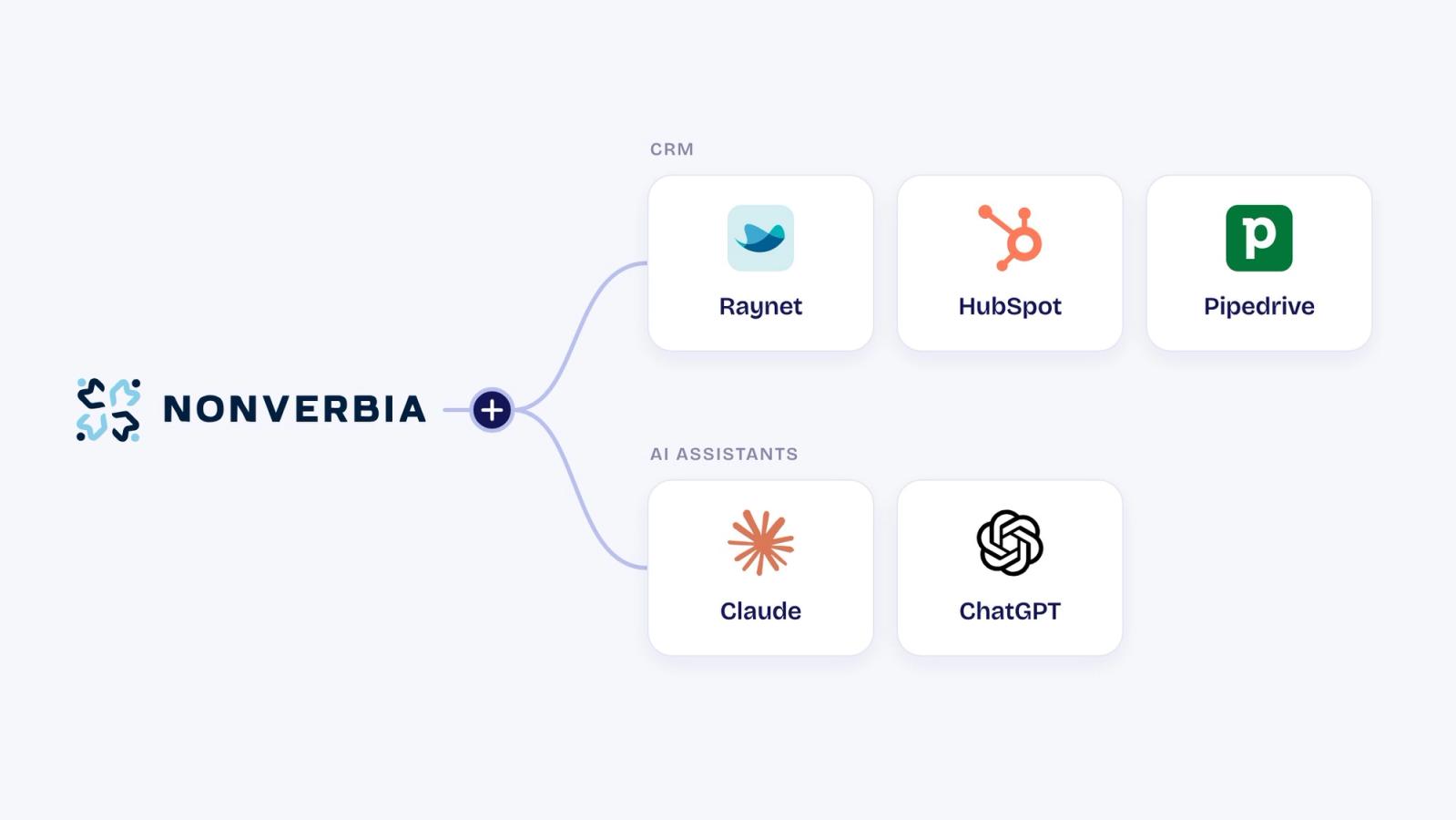
Most sales meetings end the same way: someone still has to type the notes into the CRM. It happens late, or it never happens at all. Now Nonverbia does it for you. Connect HubSpot, Pipedrive or Raynet once, and every meeting lands on the right record, usually within a minute.
What lands in your CRM #
- The meeting. Its summary and next steps go on the matched deal, company and contacts, with a link back to the meeting in Nonverbia.
- The tasks. Action items from the meeting become CRM tasks with an owner and a due date, when you turn that on.
- New records, when you want them. If the meeting needs a new deal, Nonverbia proposes it under the meeting title and you create it in one click. New contacts and companies are added for you when you allow it.
- The fields you choose. Pick the CRM fields Nonverbia fills after each meeting.
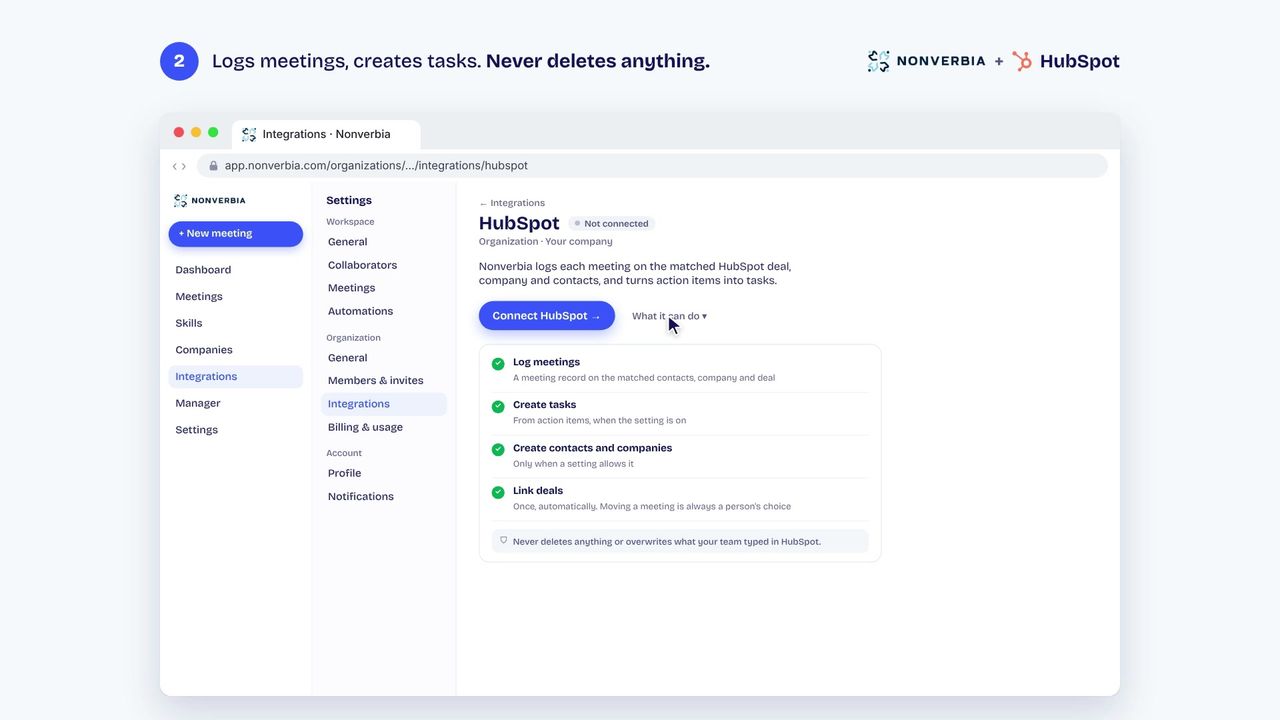
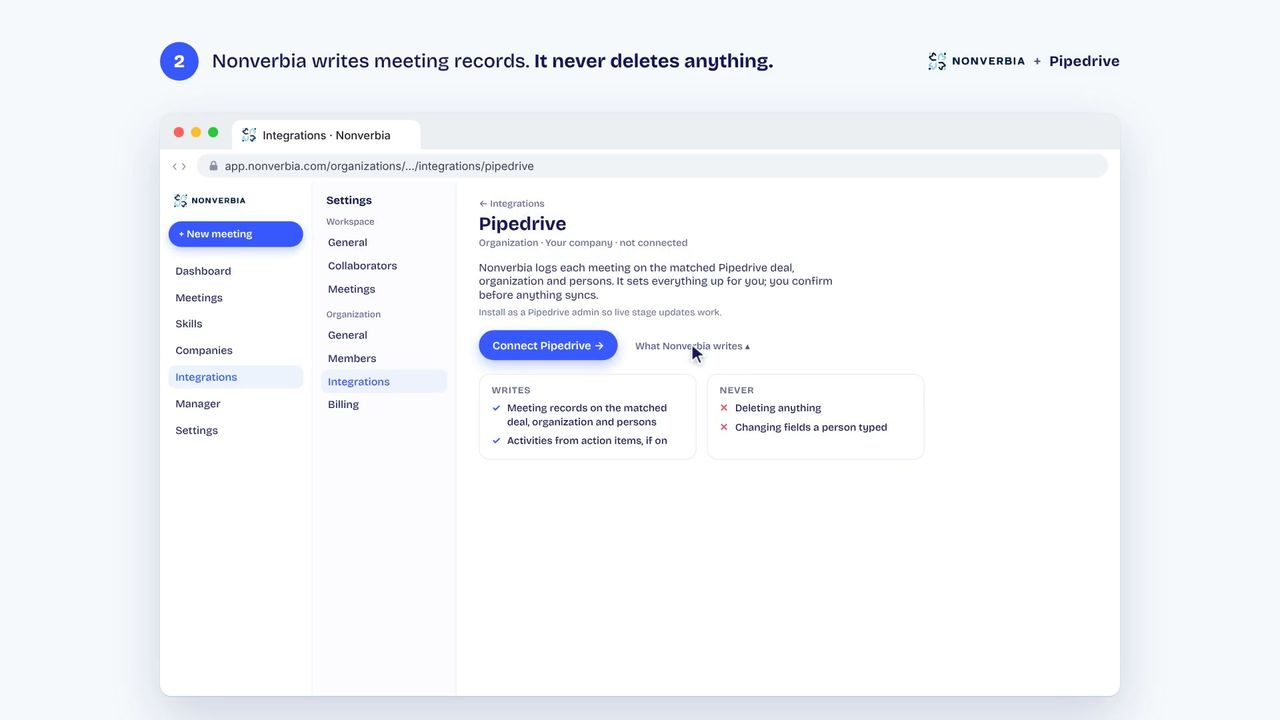
Nonverbia never deletes anything, and it never overwrites what your team typed in the CRM.
Connect HubSpot #
- In Nonverbia, open Settings → Integrations → HubSpot and click Connect HubSpot.
- Pick your HubSpot account, then click Connect app.
- After your next meeting, click HubSpot under the meeting title, then Open in HubSpot to see the meeting and its tasks on the deal.
Connect Pipedrive #
- In Nonverbia, open Settings → Integrations → Pipedrive and click Connect Pipedrive.
- Sign in as a Pipedrive admin and click Allow and Install. Installing as an admin keeps deal stages up to date in Nonverbia.
- After your next meeting, click Pipedrive under the meeting title, then Open in Pipedrive.
Connect Raynet #
- In Raynet, open Nastavení → Pro vývojáře → API klíče. Click Nový API klíč, name it nonverbia, copy the key and save.
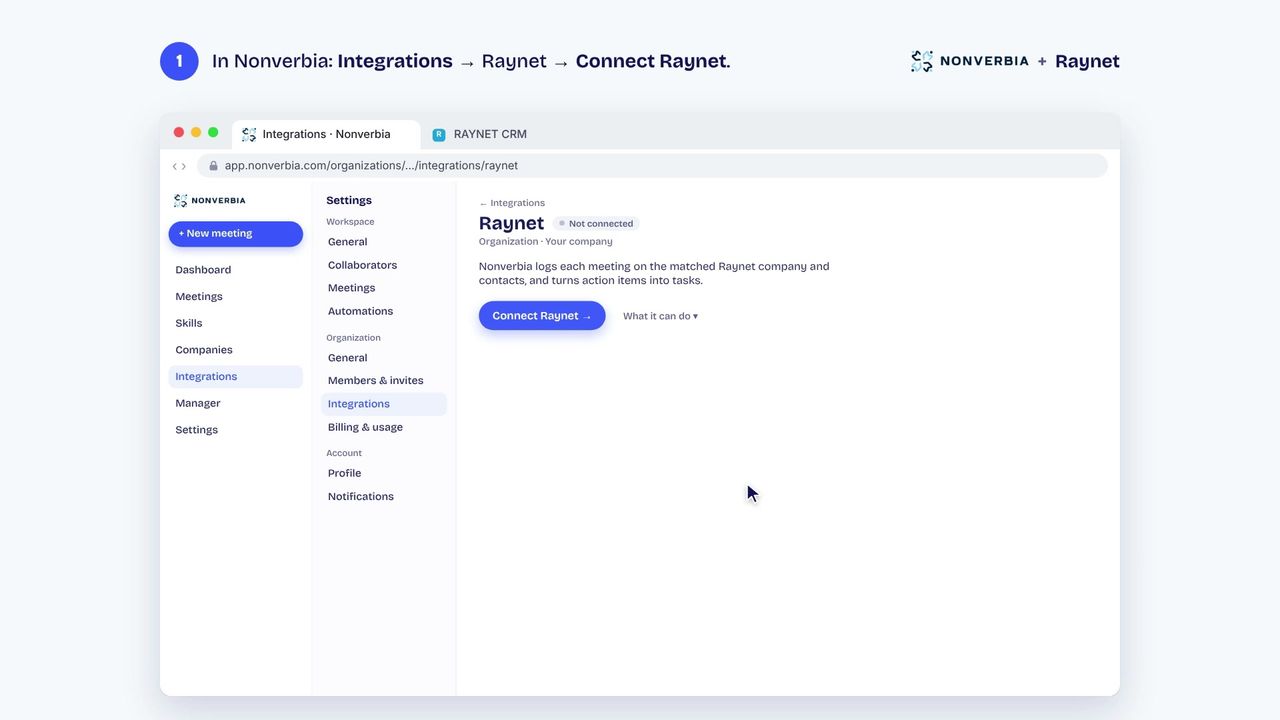
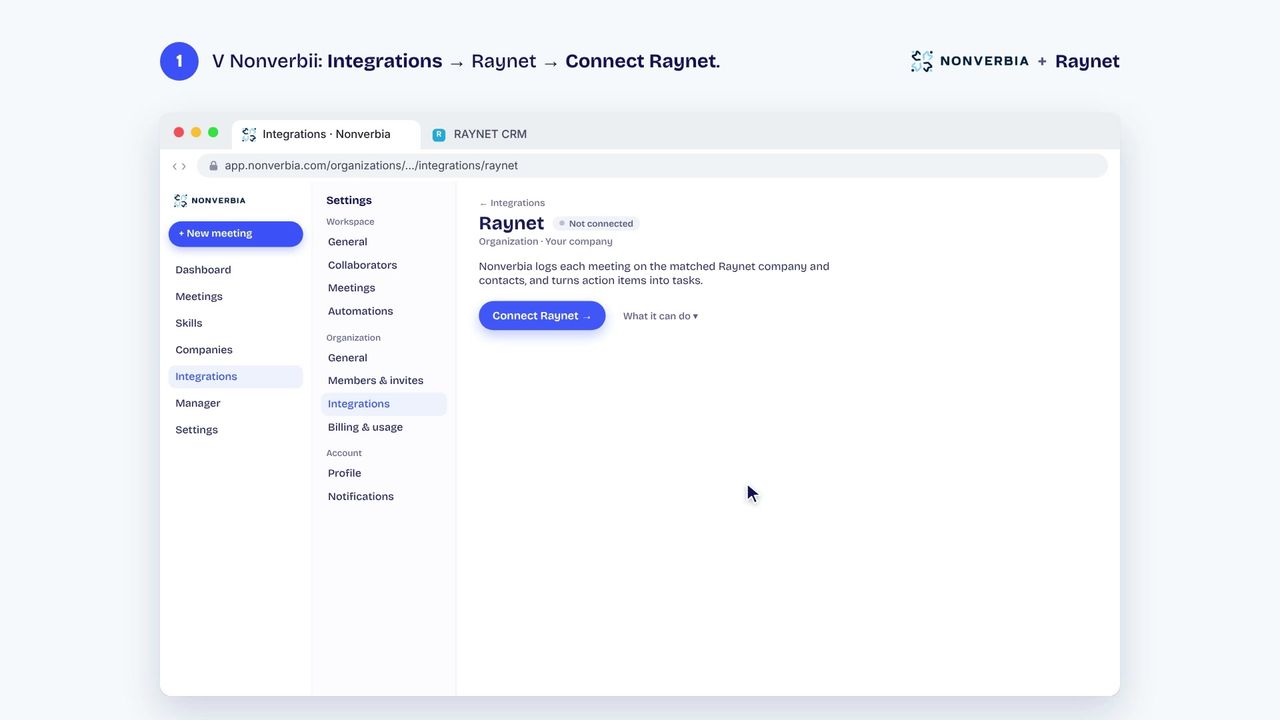
- In Nonverbia, open Settings → Integrations → Raynet and click Connect. Enter the Raynet user's email, the API key and your instance name (the part after app.raynet.cz/), then click Connect Raynet.
- After your next meeting, the meeting and its tasks go to Raynet on their own. Nonverbia acts as that Raynet user, so their Raynet permissions apply.
Who can use it #
CRM integrations are part of the Business and Enterprise plans, and of the 30-day free trial. An owner of your organization connects the CRM once, and it works for everyone's meetings.
Also new: Claude and ChatGPT #
You can also connect Claude or ChatGPT from the same Integrations page. Then ask your AI assistant about your meetings, companies and action items, right where you already work. This one is on the Pro plan and up.